Portfolio case study

FaithLedger: Faith organization management software

A church operations and giving platform that helps faith organizations manage member records, contributions, expenses, financial reports, online sign-up, payment flows, and loan-planning workflows from one web portal.

Name changed to respect NDA.

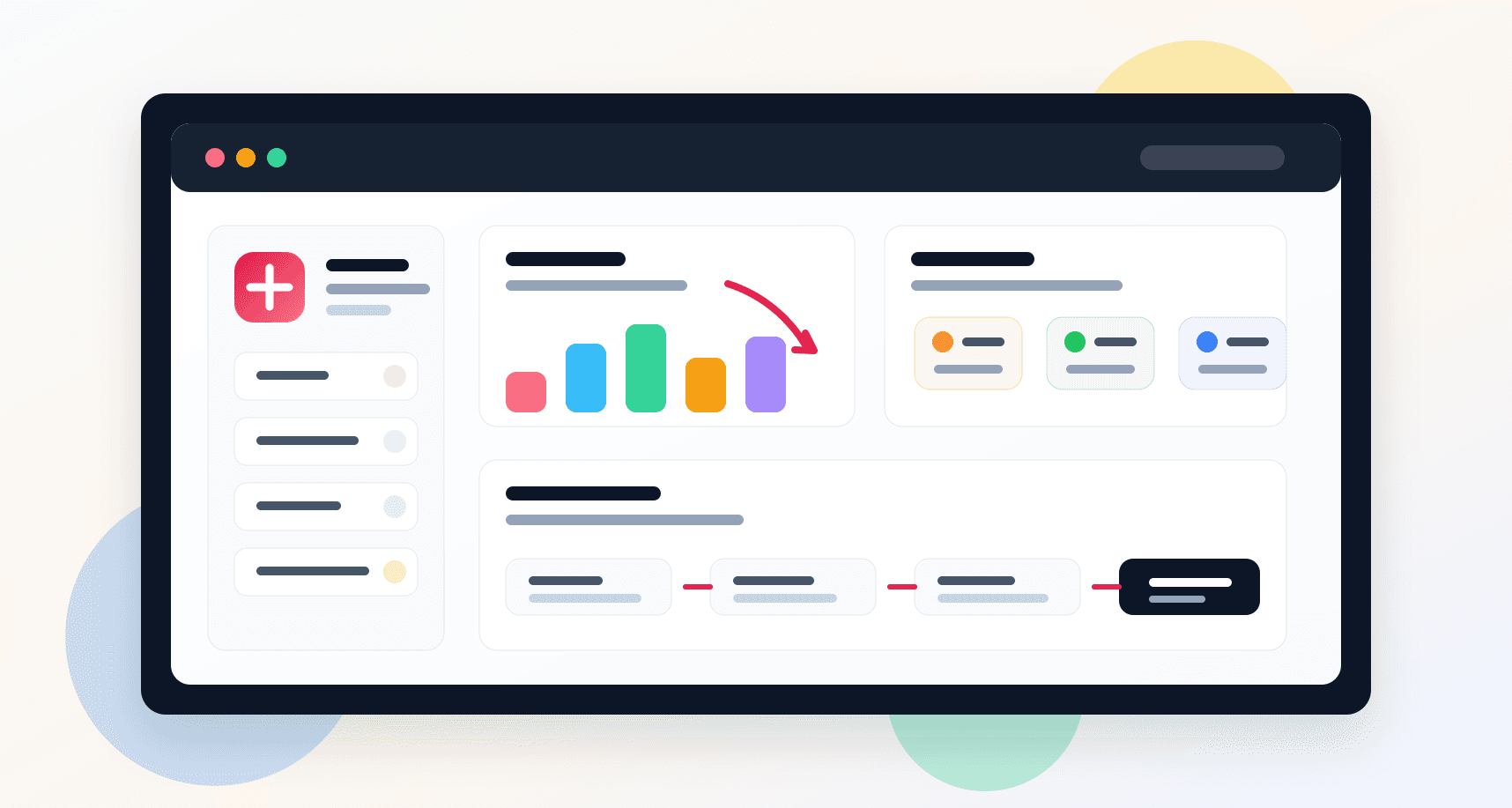
Church operations platform visual with member records, giving analytics, report cards, and payment workflow surfaces
Project scope

Web portal, backend reporting API, payment workflow, and operations dashboard delivery

8+
operations modules
2
connected product layers
Square
payment readiness
Reports
finance and loan planning

Timeline

Admin web platform and supporting API build for church operations

Church operations needed cleaner records and financial visibility

Faith organizations were juggling member details, giving records, expenses, contribution summaries, and loan planning across disconnected spreadsheets and manual workflows. Staff needed a practical portal that made routine administration easier without turning every task into accounting software.

  • Member records needed searchable profiles with family, contact, and contribution context
  • Donation and expense tracking needed to feed dashboards and reports without repeated manual work
  • Church leaders needed profit-and-loss, contribution, loan ratio, and amortization views
  • Online sign-up and payment workflows had to connect back to the same operating database

A focused administration portal for members, giving, and reporting

FaithLedger combined a React admin interface with a Node and Express reporting API so staff could manage members, record contributions, track expenses, review financial reports, and support paid sign-up flows from a single browser-based workspace.

  • Role-gated web portal with login, sign-up, dashboard, member lists, and sidebar navigation
  • Contribution and expense modules with searchable tables, add/edit flows, payment types, and ministry categories
  • Finance reporting views for contribution reports, profit-and-loss summaries, church loan ratios, and amortization schedules
  • Backend reporting endpoints for member totals, giving breakdowns, expenses, contribution lists, and date-filtered finance summaries

Product surfaces

What the platform brought together

The work spanned core product operations, daily user workflows, data-heavy coordination, and resilient platform management.

Member management

Church staff can keep core member information organized and searchable for day-to-day administration.

  • Member profile creation and update workflows
  • Searchable member lists with contact, family, birthday, address, and marital status fields
  • Member detail views that connect a person to their contribution history

Contributions and expenses

Giving and expense workflows turn routine finance entries into structured records for reporting.

  • Contribution entry by member, amount, payment form, ministry type, and notes
  • Expense entry with amount, title, invoice number, action, and creator context
  • Searchable contribution and expense tables for fast reconciliation

Financial reports

Leaders can review operating health through contribution reports, profit-and-loss views, and loan planning tools.

  • Date-filtered contribution reporting by member and giving category
  • Profit-and-loss report views for contribution and expense comparisons
  • Church loan ratio and loan amortization calculators for scenario planning

Payments and account onboarding

The platform includes sign-up and card-payment readiness for churches moving into paid digital operations.

  • Plan-based sign-up path with account creation fields
  • Square card nonce flow and payment form integration
  • Account-level church profile creation tied to operational records

Buyer priorities

What mattered most to the people evaluating the platform

Prospective buyers want to know whether the work solved real workflow, adoption, reliability, data, and operations problems. These priorities shaped the product decisions.

Administrative simplicity

The product needed to help non-technical staff complete common church administration tasks quickly.

  • The sidebar kept daily actions visible: dashboard, members, contributions, expenses, and reports
  • Search-first tables helped staff find people, gifts, and expense records without exporting data
  • Add and edit workflows kept operational data close to reporting screens

Financial accountability

Giving and expense records had to support leadership review, ministry reporting, and planning conversations.

  • Contribution and expense data rolled into dashboard and report endpoints
  • Date filters supported period-based contribution and profit-and-loss views
  • Loan planning tools helped churches model obligations before making commitments

Platform continuity

The system connected a web admin surface, custom API layer, database-backed records, and payment readiness into one operating foundation.

  • React and Redux supported a stateful admin portal with reusable forms and route-level screens
  • Node and Express API routes served reporting queries for dashboard and finance views
  • Payment workflow foundations made the platform ready for paid subscription or service access

System model

How the platform connects roles, workflows, and product surfaces

The product architecture brings every role into the same operating model, with shared data moving cleanly between web, mobile, media, and notification layers.

Operations dashboard

A dashboard-oriented view summarizes members, giving, expenses, and next actions for church staff.

Giving to reporting workflow

Contribution and expense entries move into searchable lists, period filters, and leadership reports.

Staff and finance roles

Member administration, finance tracking, and leadership planning each use the same operating data with different goals.

Technology

The Stack We Used And Why

The stack section is written for buyers who need to understand the product architecture, operational trade-offs, and long-term maintainability of the system.

Admin web

Used for the browser workspace where staff manage members, contributions, expenses, dashboards, reports, and account flows.

ReactReduxRedux FormMaterial UIBootstrapWebpack

Backend reporting

Used for custom reporting endpoints, contribution summaries, member totals, expense lists, and finance calculations.

Node.jsExpressSequelizeMySQLREST APIs

Payments and onboarding

Used to support plan-based sign-up, card entry, payment nonce generation, and payment-processing handoff.

Square PaymentsHosted card fieldsSecure payment nonce flow

Operations data

Used to keep church members, contributions, expenses, ministry categories, account records, and reporting views connected.

Relational data modelDate-filtered reportingSearch endpointsCookie-based session state

Why A Web Admin Portal

Church administration is a staff-led workflow, so a browser portal was the fastest way to make the system usable across office devices.

  • Dense tables, report views, and long forms fit a desktop-first admin interface
  • Reusable route components let each module keep a familiar structure
  • A web portal avoided device-specific rollout friction for church office users

Why Custom Reporting APIs

The reporting needs were specific to member giving, expenses, and church finance planning.

  • Custom endpoints returned contribution totals, expense lists, and date-filtered summaries
  • SQL-backed aggregates kept reporting logic close to the operational data
  • The API layer separated finance summaries from frontend table rendering

Why Payment Readiness Matters

A church management product often needs paid access, donations, or subscription onboarding, so payment workflow foundations were useful early.

  • Square integration supported card entry without storing raw card data in the web app
  • Plan-aware sign-up connected account creation to payment flow intent
  • Payment readiness made the product easier to extend toward subscriptions or donation processing

Delivery

How the product came together

The work moved from domain modeling to core platform delivery, mobile adoption, and operational hardening.

1

Map Church Workflows

Identify the recurring administrative jobs around members, contributions, expenses, reports, account creation, and payment access.

2

Build The Admin Surface

Implement the React portal with route-level screens, forms, tables, navigation, dashboard cards, and report views.

3

Connect Reporting APIs

Add backend endpoints for member totals, contribution breakdowns, expense lists, searchable records, and date-based finance reports.

4

Add Payment Foundations

Support sign-up and card-payment workflows so the platform could connect church onboarding with paid product access.

Operational depth

What made the platform usable after launch

The strongest case studies are not only feature lists. They show how the system is operated, monitored, governed, and improved when real users depend on it.

Searchable operating records

Members, contributions, and expenses were structured around quick lookup because church staff need answers while handling office tasks.

  • Member search spans identity, contact, birthday, address, marital, and family fields
  • Contribution search spans member names and amounts
  • Expense search spans title, amount, invoice number, creator, and action fields

Finance views for leadership

The platform goes beyond raw entry screens by giving leaders contribution summaries and planning views.

  • Contribution reports can be filtered by reporting period
  • Profit-and-loss views compare giving and expenses
  • Loan ratio and amortization tools support planning conversations

Modernization path for ministry operations

The platform created a practical foundation for moving church administration from scattered manual records into a repeatable digital operating model.

  • Member records, giving workflows, expense tracking, and reports used the same data foundation
  • Payment and onboarding flows created room for paid access, donations, or recurring giving expansion
  • The architecture left clear paths for stronger permissions, audit trails, dashboards, and cloud operations

Results

The measurable and observable lift from the work

The strongest improvements are the ones a buyer can connect to daily work: fewer disconnected tools, safer operations, clearer workflows, and more reliable product behavior.

Members

Centralized Records

Member profiles, family information, contact details, and giving context moved into one searchable workspace.

Giving

Structured Finance

Contributions, expenses, ministry categories, and payment methods became reportable operating data.

Reports

Leadership Visibility

Contribution, profit-and-loss, loan ratio, and amortization views helped leaders review church finances with more context.

Outcome

A stronger operating system for church operations and giving platform

The platform reduced tool fragmentation and gave each role a clearer path from live activity to day-to-day action.

A React church management portal with dashboard, login, sign-up, member, contribution, expense, report, payment, and loan-planning routes

A Node and Express reporting API for member counts, giving totals, expense summaries, contribution lists, member search, and date-filtered reports

Searchable operating workflows for members, contributions, and expenses that reduced reliance on disconnected spreadsheets

Payment and onboarding foundations that connected plan-based sign-up with Square card-payment readiness

FAQ

Frequently Asked Questions About FaithLedger

Answers about the church operations and giving platform scope, platform model, technology choices, operational workflows, and related build patterns.

What Kind Of Platform Does FaithLedger Represent?

FaithLedger represents a church operations and giving platform for member management, contribution tracking, expense records, financial reports, account onboarding, payment readiness, and loan-planning workflows.

Why Do Churches Need Custom Operations Software?

Churches often manage sensitive member records, giving data, expenses, reports, and planning workflows with limited administrative staff. A focused web platform can keep those workflows searchable, consistent, and easier to review.

How Did The Platform Support Financial Reporting?

The platform connected contribution and expense records to reporting endpoints for contribution summaries, profit-and-loss views, date-filtered reports, and loan planning tools.

Can This Pattern Extend To Donations Or Membership Subscriptions?

Yes. The same foundation can support online donations, recurring giving, membership dues, paid program access, event registration fees, and finance dashboards for faith-based organizations.

Related services

Build a similarly ambitious product without starting from a blank page.

We can help scope the web, mobile, AI, media, and operating layers needed for your own platform.

Start a project inquiry