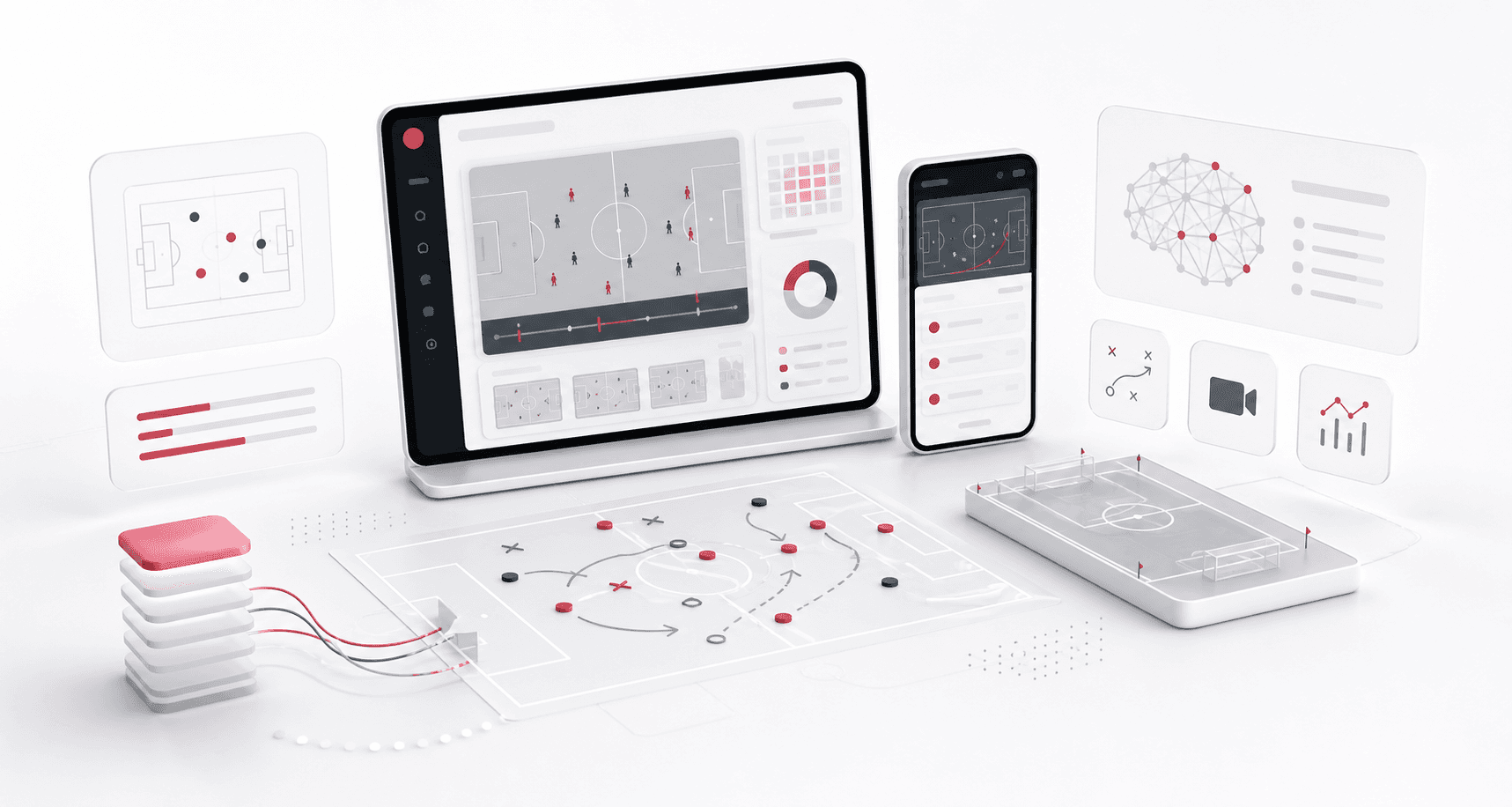
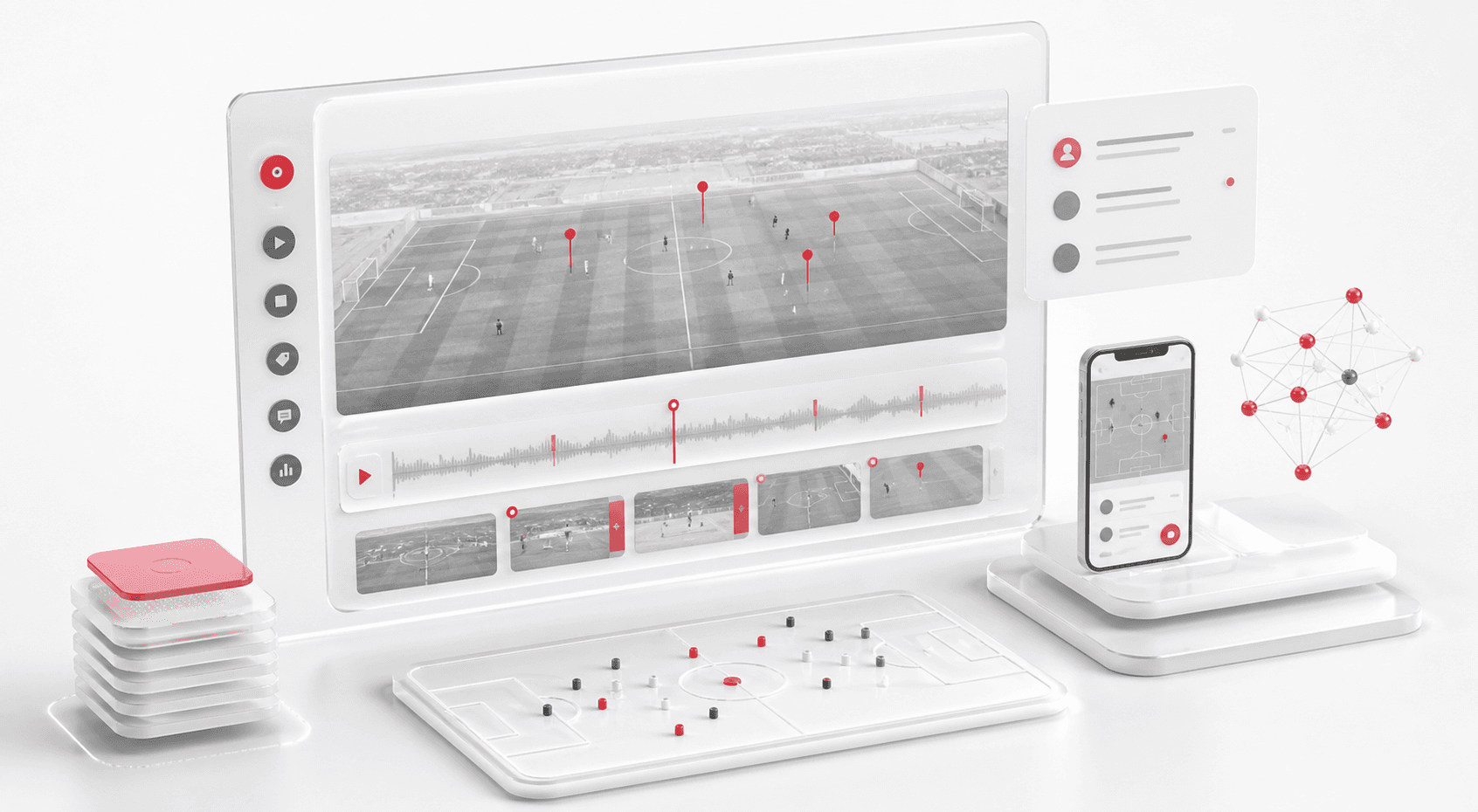
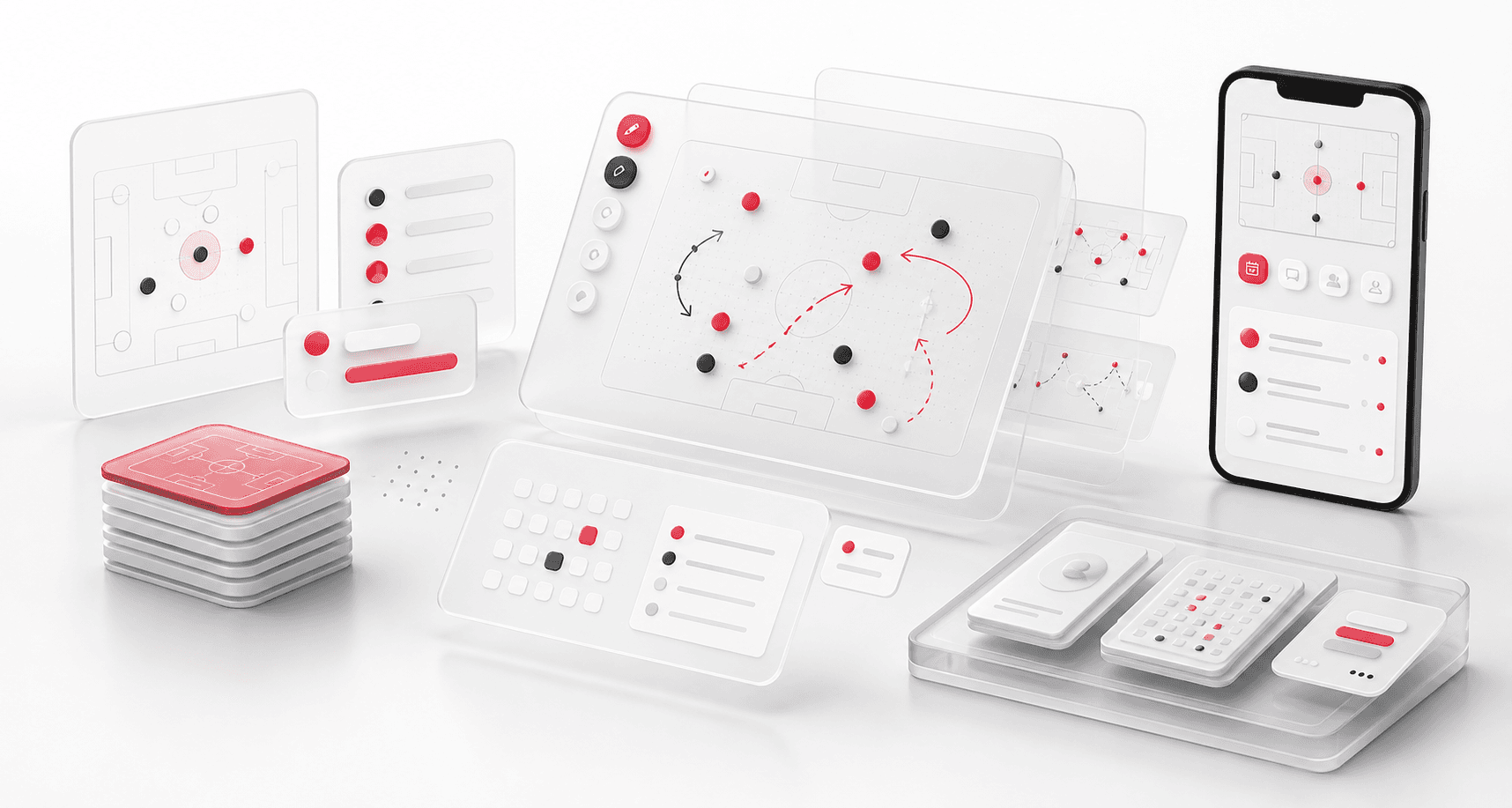
A full-stack football coaching intelligence platform that brings game film, playbooks, scheduling, team communication, AI assistance, and role-aware mobile workflows into one connected system.
Product engineering, web admin, mobile app, backend, AI, and infrastructure delivery
6
role-specific experiences
2
connected product surfaces
1
unified program workspace
AI
film, chat, and scheduling assistance
Timeline
Multi-surface product build and ongoing platform evolution
The coaching stack was scattered across too many tools
Football programs were managing film, playbooks, schedules, team messages, player data, and feedback in disconnected systems. Coaches spent too much time stitching context together instead of coaching.
Video review and play data lived apart from the daily team workflow
Playbooks were hard to keep current across coaches, players, and seasons
Schedules, announcements, and player communication lacked one reliable source
Program leaders needed multi-team visibility without exposing data across organizations
A single football operations platform for every role
FieldIQ combines a browser-based admin command center with a Flutter mobile app so coaches, players, parents, trainers, admins, and super admins each see the tools and information they need.
Role-aware dashboards with quick access to games, teams, sessions, playbooks, and activity
Structured film room workflows for games, plays, video clips, comments, markers, and stats
Interactive playbook designer with route drawing, animation, templates, and taxonomy
Native mobile experiences for daily review, communication, calendar access, and alerts
Product surfaces
What the platform brought together
The work spanned core product operations, daily user workflows, data-heavy coordination, and resilient platform management.
Film room and game intelligence
Raw footage becomes structured, searchable football data that coaches can review and annotate.
Game creation, roster assignment, play-by-play browsing, and result tagging
Per-play video upload, playback controls, timeline markers, and coach comments
GPU-backed video reprocessing path for encoding and playback issues
Playbook designer
A digital whiteboard lets coaching staff build, organize, animate, and reuse plays.
Canvas-based player markers, routes, arrows, waypoints, and multi-selection tools
Hierarchical categories, templates, searchable tags, and game-format support
Shared access across web and mobile so the playbook stays alive after practice
Program communication
Announcements, chat, schedules, and notifications keep coaches, players, and parents aligned.
Team and direct messaging with contextual media previews
Bulletin board posts for official program-wide announcements
Calendar events, recurring schedules, notifications, and mobile event details
AI and platform operations
AI support and multi-organization controls help the platform serve real coaching workflows.
AI scheduling assistant and chat companion for coaching commentary transcription
Role-based access control, impersonation support, and isolated organization workspaces
Activity feeds, contribution tracking, deployment environments, and production operations
Buyer priorities
What mattered most to the people evaluating the platform
Prospective buyers want to know whether the work solved real workflow, adoption, reliability, data, and operations problems. These priorities shaped the product decisions.
Coach adoption
The platform needed to feel useful during the real cadence of practice, film review, team prep, and game-week communication.
Role-specific dashboards reduced the need to hunt across unrelated tools
Film, comments, play data, schedules, and communication stayed in one product context
Mobile access kept players and parents connected outside the browser admin panel
Program control
Administrators needed enough control to manage teams, roles, seasons, and organizations without exposing data too broadly.
Role-based access separated coaches, players, parents, trainers, admins, and super admins
Organization workspaces supported multi-team visibility without collapsing permissions
Impersonation and activity views helped support staff diagnose issues faster
Media-heavy reliability
Video and play data were central to the product, so media processing, storage, and review workflows had to be treated as first-class platform concerns.
Dedicated upload, encoding, storage, and playback paths supported game film review
Timeline markers and comments made video clips easier to turn into feedback
Reprocessing paths helped recover from media encoding and playback issues
Product experience
Core workflows designed for daily coaching operations
The platform connects film review, play design, team communication, schedules, and mobile access into a focused operating system for football programs.
Film review becomes structured coaching feedback
Game footage, clip markers, coach annotations, AI assistance, and mobile review come together in one feedback loop.
Playbooks and team operations stay connected
Play design, shared planning surfaces, schedules, communication, and role-aware mobile access stay connected across the program.
System model
How the platform connects roles, workflows, and product surfaces
The product architecture brings every role into the same operating model, with shared data moving cleanly between web, mobile, media, and notification layers.
One platform, six roles
A role matrix shows how coaches, players, parents, trainers, admins, and super admins share one system without sharing the same controls.
Film to feedback workflow
Game footage moves through upload, play tagging, annotation, AI assistance, and mobile review.
Two surfaces, one platform
The browser admin panel and Flutter mobile app sit on the same API, data, media, and notification foundation.
Technology
The Stack We Used And Why
The stack section is written for buyers who need to understand the product architecture, operational trade-offs, and long-term maintainability of the system.
Admin web
Used for the high-control browser workspace where coaches and administrators manage teams, games, film, playbooks, and program operations.
ReactTypeScriptTailwind CSSRsbuildReduxRedux-Saga
Mobile app
Used for daily player, parent, coach, and trainer access where speed, push notifications, and cross-platform consistency matter.
FlutterDartRiverpodGoRouterPush notifications
Backend and AI
Used for API orchestration, role-aware workflows, real-time communication, AI assistance, and coaching data operations.
FastAPIPythonPeeweeSocket.IOOpenAI APIPyTorch
Video and media
Used to process, repair, store, and serve game film and review assets across web and mobile surfaces.
Commentary and chat support helped turn raw information into coaching context
Role and workflow boundaries kept AI features tied to practical product actions
Delivery
How the product came together
The work moved from domain modeling to core platform delivery, mobile adoption, and operational hardening.
1
Map the coaching model
Define users, roles, organization boundaries, game data, film workflows, and the mobile moments that matter.
2
Build the operating core
Ship the admin panel, backend APIs, data model, media handling, and team-management foundations.
3
Extend to daily mobile use
Bring games, playbooks, announcements, chat, calendars, and notifications into a role-aware Flutter app.
4
Add intelligence and operations
Layer in AI assistance, observability, environment separation, CI/CD, and platform support workflows.
Operational depth
What made the platform usable after launch
The strongest case studies are not only feature lists. They show how the system is operated, monitored, governed, and improved when real users depend on it.
Permission and support controls
A multi-role sports platform needs support features that help administrators resolve issues without weakening data boundaries.
Role-aware access control across program, organization, and team workflows
Impersonation support for controlled troubleshooting
Activity feeds and contribution tracking for operational visibility
Media operations
Film workflows were supported by dedicated operational paths rather than left to generic upload screens.
Video upload and storage flows for game and play-level assets
Encoding and playback recovery paths for problematic media
Timeline markers, comments, and metadata to keep film searchable and useful
Release and environment management
The platform needed a foundation for ongoing product evolution after the first release.
Separated deployment environments for safer iteration
Docker and Nginx-backed operations for repeatable runtime setup
CI/CD workflows to reduce manual deployment friction
Results
The measurable and observable lift from the work
The strongest improvements are the ones a buyer can connect to daily work: fewer disconnected tools, safer operations, clearer workflows, and more reliable product behavior.
6 roles
Unified Access Model
Coaches, players, parents, trainers, admins, and super admins moved into role-specific experiences on one platform instead of separate tool chains.
2 surfaces
Web And Mobile Alignment
A browser admin panel and Flutter mobile app shared the same operating foundation, reducing duplicated workflows across devices.
1 workspace
Program Context
Film, playbooks, schedules, communication, teams, and activity were brought into a unified program workspace.
AI assisted
Smarter Coaching Operations
AI support was layered into scheduling, transcription, and chat-style workflows where it could reduce manual coaching overhead.
Outcome
A stronger operating system for sports technology platform
The platform reduced tool fragmentation and gave each role a clearer path from live activity to day-to-day action.
A unified football program workspace instead of a patchwork of film, playbook, calendar, and chat tools
Structured game and play data that makes film review easier to search, discuss, and act on
Mobile access that keeps players, parents, and coaches connected outside the admin panel
A platform foundation ready for AI-assisted scheduling, transcription, and coaching workflows
FAQ
Frequently Asked Questions About FieldIQ
Answers about the sports technology platform scope, platform model, technology choices, operational workflows, and related build patterns.
What Kind Of Sports Platform Does This Case Study Represent?
It represents a full-stack coaching operations platform with web administration, mobile access, video review, playbook management, communication, scheduling, and AI-assisted workflows.
Why Was A Custom Build Better Than Stitching Together Existing Tools?
The product needed role-aware access, shared team context, video-specific workflows, playbook design, mobile notifications, and program-level controls that would be difficult to keep consistent across generic tools.
Can NextPage Build Similar Platforms For Other Sports Or Training Models?
Yes. The same architecture pattern can support other coaching, training, league, academy, or performance-review workflows where roles, media, schedules, and communication need to stay connected.
What Should A Buyer Prepare Before Starting A Similar Build?
The most useful inputs are role definitions, current tool pain points, media workflows, sample schedules, permission rules, and a clear view of which mobile moments matter most.
Related services
Build a similarly ambitious product without starting from a blank page.
We can help scope the web, mobile, AI, media, and operating layers needed for your own platform.